For MacOS
Whiteboard videos worth watching
Record your screen and voice, then turn it into an explainer that actually holds attention. Polished strokes and smooth motion come standard, and every drawing stays editable so small mistakes never cost you a take
The problem
One wrong word means starting over
You record a clean explainer, then catch a typo in a diagram or a clumsy arrow halfway through. With every other tool that fix means recording the whole thing again, from the top
The cost
Every retake burns an afternoon
A two minute video can eat a whole afternoon of re-records. Most screen recorders capture flat pixels, so the moment a stroke is off your only option is to do it all again. Good ideas stay unshipped because polishing them costs too much
means re-recording the entire take
to juggle when the recorder can't draw
possible once the pixels are baked in
The fix
A recorder and a whiteboard studio
A screen recorder
Capture your screen, webcam and voice with auto cursor-zoom, click effects and smooth camera moves
A whiteboard studio
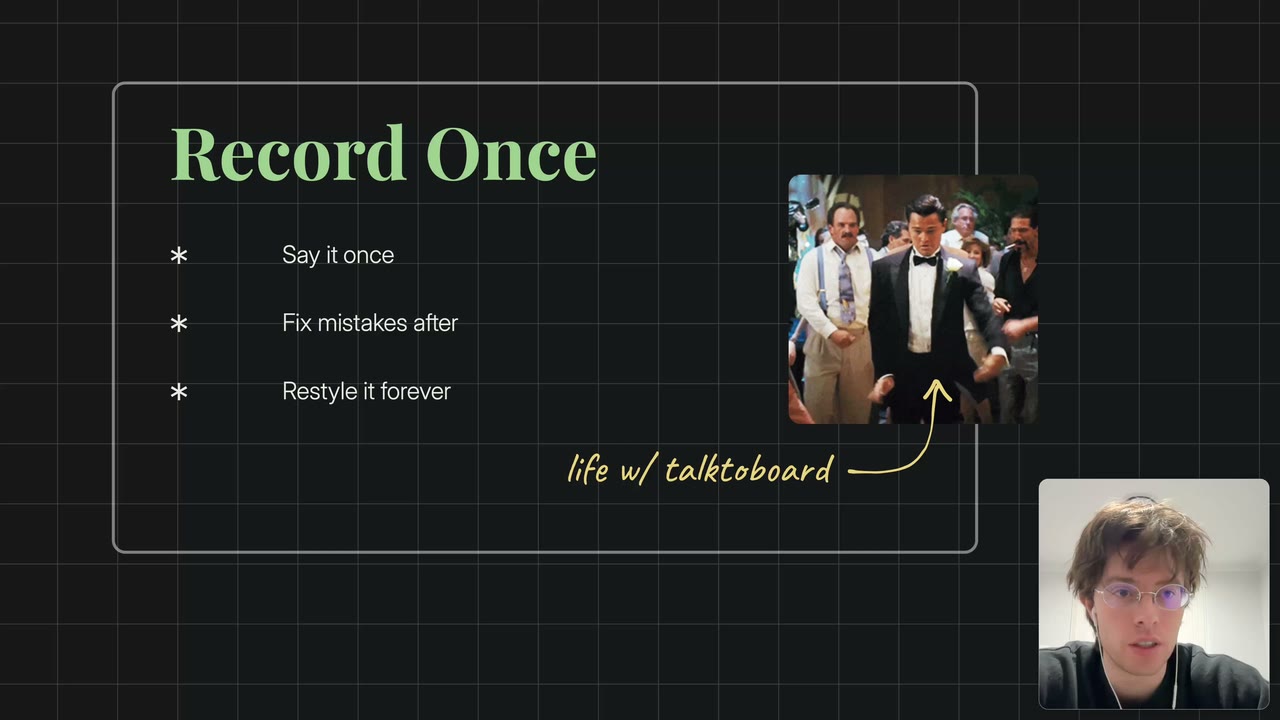
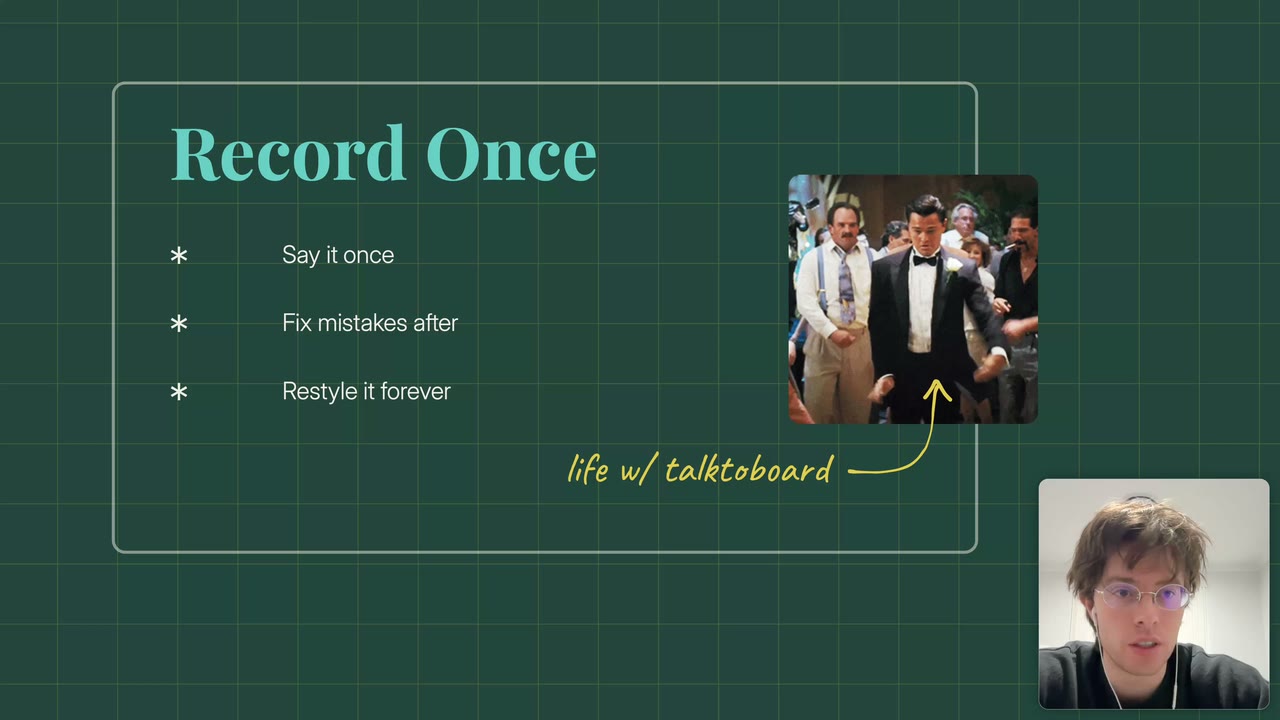
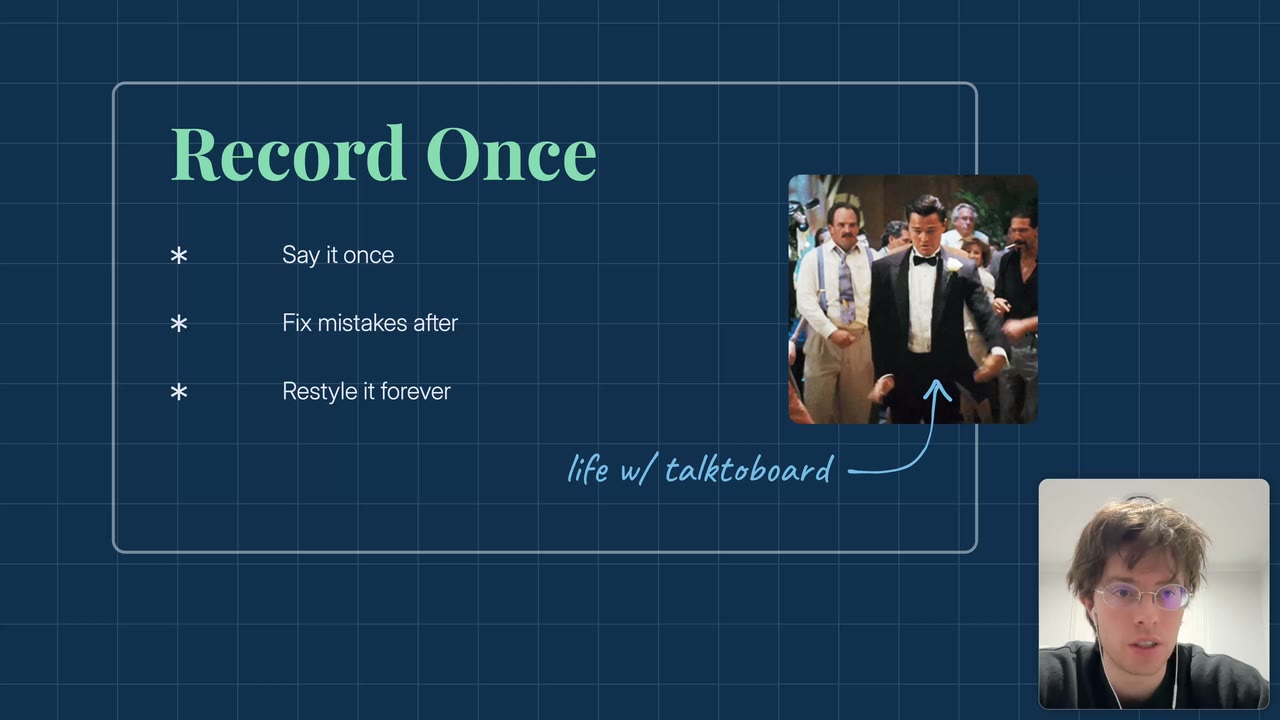
Draw, annotate and restyle every element after you record, so a typo or a messy arrow never means a retake
Why we built it

I kept making explainer videos and kept hitting the same wall. One small mistake and I'd lose an afternoon re-recording a clip I'd already nailed. TalkToBoard is the tool I wished I had, record once, then fix anything after the take. I'm building it in the open and I'd love for you to come along early
The alternative
Or wrestle a design tool
You know the ones. Built for teams, mood boards and infinite canvases, not for talking through an idea on camera


TalkToBoard does one thing well, turn a screen recording into a clean explainer
The difference
TalkToBoard vs the old way
Records flat pixels you can't touch after the take
Two tools to juggle, flat motion, manual syncing
An afternoon gone for a single typo or stray arrow
Pricing
One plan, every feature
Record, edit and export as much as you want. No seats, no watermarks, no add-ons
Billed $229 USD yearly
Everything included
- Unlimited recordings and exports
- Screen, webcam and microphone capture
- Auto cursor-zoom and click effects
- Cinematic camera moves and smooth motion
- Edit every drawing, shape and caption in post
- Crisp 4K export
- Curated backgrounds, padding and window framing
- Reusable element library and live drawing tools
- Every future update included
Your projects stay yours, on your Mac
FAQ
Good questions, honest answers
No, you record your screen and talk while TalkToBoard turns it into a clean whiteboard explainer with polished strokes and smooth motion
Yes, every drawing, shape and caption stays editable in post, so a typo or a messy arrow never means another take
A Mac, TalkToBoard is a native macOS app you download and run, and your projects stay on your machine
You get 7 days free and pay nothing today, cancel anytime before it ends and you won't be charged
Yes, if it isn't a fit reach out within the refund window and we'll sort it out, the refund policy has the details
Make your first video today
Start your free trial and export something you're proud of in an afternoon